
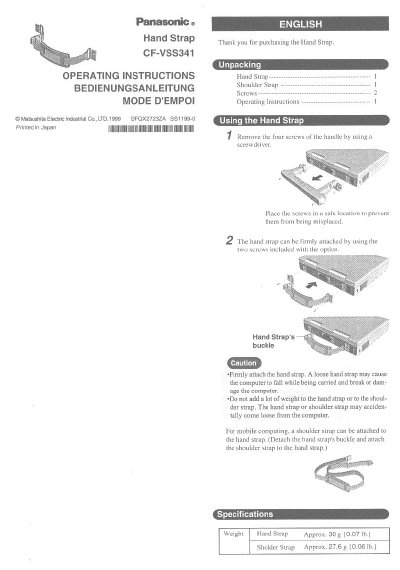
This document provides operating instructions for the Panasonic CF-VSS341 Hand Strap. It details how to unpack the accessory and securely attach it to a computer using the included screws. The manual emphasizes safety precautions regarding loose attachments and excessive weight to prevent damage to the device.
The guide includes installation steps, such as removing handle screws and attaching the strap firmly. It also notes that an optional shoulder strap can be attached by detaching the hand strap's buckle. Technical data lists the approximate weights of the Hand Strap (30g) and Shoulder Strap (27.6g).
Remove the four screws of the handle and firmly attach the hand strap using the two included screws.
Yes, you can detach the hand strap's buckle and attach an optional shoulder strap to it.