
This document provides installation and operating instructions for network cameras with model numbers WV-SW355 and WV-SW352. It emphasizes cautionary notes and safety warnings. The product is characterized by features such as waterproof, fireproof, and shockproof.
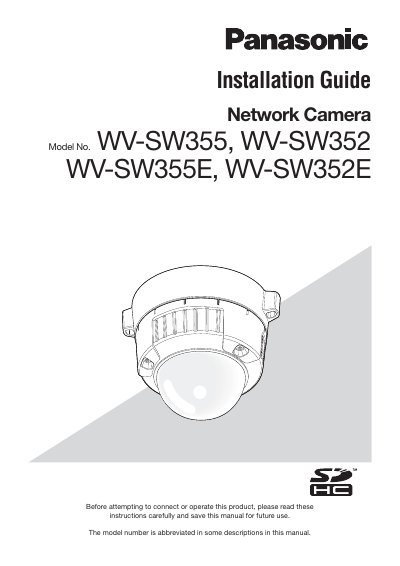
This manual provides installation instructions for the Panasonic WV-SW355 and WV-SW352 network cameras. These devices are designed to operate on a 10BASE-T/100BASE-TX PC network and can be installed under eaves or in sheltered outdoor environments. The guide details safety precautions, system requirements, and preparation steps before connecting the product.
| Network Operation | 10BASE-T/100BASE-TX |
|---|---|
| Video Encoding | H.264/MPEG-4 and JPEG |
Yes, the network cameras can be installed under eaves or in sheltered outdoor environments.
The network cameras are designed to operate using a PC on a 10BASE-T/100BASE-TX network.
Yes, the cameras can be installed under eaves or in sheltered outdoor locations.
Power will be supplied by simply connecting a LAN cable to the camera.