
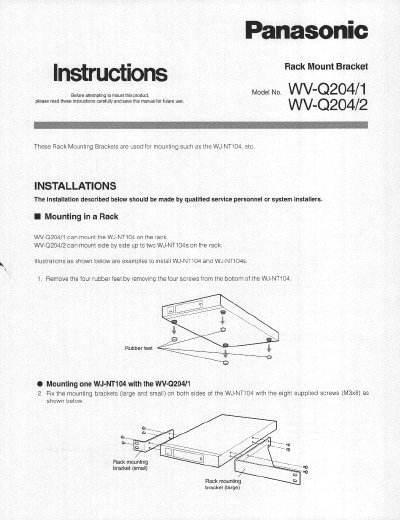
Panasonic WV-Q204/1 and WV-Q204/2 Rack Mount Bracket Installation Instructions


Panasonic WV-Q204/1 and WV-Q204/2 Rack Mount Bracket Installation Instructions - cover page
Brand
Panasonic
Category
Other Electronics
Document type
Installation Guide
Language
English
Pages
2
File format
PDF
File size
343 KB
Published
08 August, 2012
Updated
08 August, 2012
MD5 checksum
741F94907AEFA5FAD1A1150CE292BA6D

About this manual

This document provides installation instructions for the Panasonic WV-Q204/1 and WV-Q204/2 rack mounting brackets. These brackets are designed to mount WU-NT104 (referred to as WJ-NT104 in text) security cameras within a standard equipment rack.

The guide details procedures for installing one or two cameras side-by-side using the supplied small and large mounting brackets, along with specific screw types. It also includes important cautions regarding ventilation, operating temperature limits (+50°C), and securing the appliance against vibration.

What's inside

  • Mounting in a Rack
  • Removing Rubber Feet
  • Mounting one WJ-NT104
  • Mounting two WJ-NT104s
  • Cautions
  • Specifications

Frequently asked questions

What is the maximum operating temperature for the rack?

Always keep the temperature in the rack within +50°C (122°F).

What is the maximum number of units the WV-Q204/2 bracket can mount side by side?

The WV-Q204/2 bracket can mount side by side up to two WJ-NT104s on the rack.

What is the maximum temperature allowed inside the rack to prevent overheating?

The temperature in the rack must be kept within +50°C (122°F).

What type of screws are used to fix the mounting brackets on the WV-Q204/1?

The mounting brackets are fixed with eight supplied screws that have M3x8 binding heads.

Download PDF (343 KB)

More Panasonic Manuals


View all Panasonic manuals →