
This document is the network operating instructions for the Network Interface Unit WJ-NT314. It provides detailed instructions on how to connect and operate the product, as well as features such as monitoring images, transmitting images, and configuring settings.
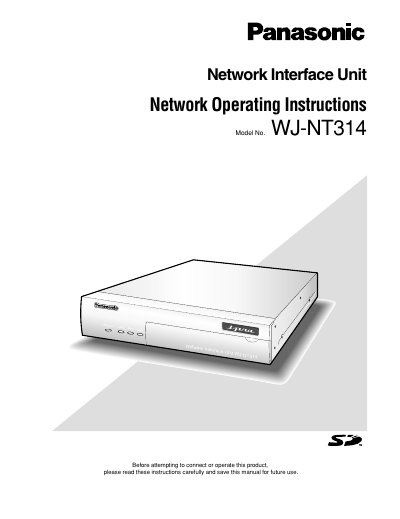
This document provides operating instructions for the Panasonic WJ-NT314 Network Interface Unit. It details how to monitor images from a single or multiple cameras on a PC using web browsers and viewer software. The guide explains how to access the unit via its IP address and manage live video feeds, including settings for image type (JPEG/MPEG-4) and refresh intervals.
| Default User Name | admin |
|---|---|
| Default Password | 12345 |
The default password for the user 'admin' is 12345.
Up to 8 users per channel (up to 16 users for the total of all channels) can access the unit concurrently.