
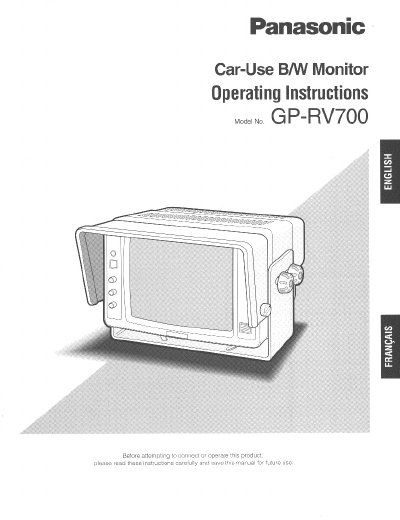
The Panasonic GP-RV700 is a black and white rearview monitor designed exclusively for use in large trucks, buses, and other commercial vehicles. When combined with a Panasonic Rearview Camera, it helps reduce dangerous blind spots significantly. The unit features a 7-inch flat square non-glare screen and includes Automatic Brightness Control (ABC) to compensate for ambient light conditions.
| Screen Size | 176.3 mm (6-15/16 po) diagonal |
|---|---|
| Power Supply | 12 VDC (10-16 V) |
| Power Consumption | 22 W (ON mode), 2 W (Standby mode) |
| Horizontal Resolution | 500 lines |
| Speaker Output | 0.5 W max |
| Operating Temperature | -10°C to +55°C |
| Dimensions | 221 x 142 x 208 mm |
| Weight | 4.3 kg |
The input power source for this appliance is 12 VDC.
The monitor uses a remote STANDBY/ON control triggered by the reverse gear position signal.
The appliance should be operated at temperatures within -10°C to +55°C (14°F to 131°F).