
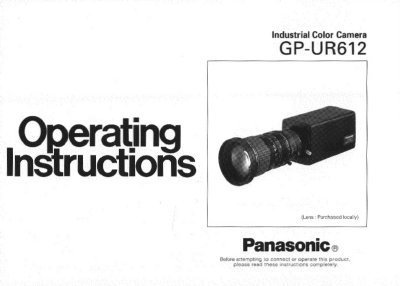
The Panasonic GP-UR612 is a digital signal processing color video camera that incorporates three 1/2" CCDs. It features high picture quality with a resolution of 550 lines (at center) and an S/N ratio of 62dB, designed for compact and lightweight operation in industrial environments.
The manual provides detailed guidance on major operating controls, including VD reset settings, lens mounting, flange back adjustment, and automatic iris adjustments. It also covers system setup via the SETUP menu, remote control operations using RCU or RCB units, and installation procedures with mounting brackets.
| Resolution | 550 lines (at center) |
|---|---|
| S/N ratio | 62dB |
| Minimum illumination | 7 lux (F1.4, +18dB) |
| Source voltage | 12V DC |
| Power consumption | 12.0W |
| Operating temperature | -10°C to +45°C |
| Storage temperature | -20°C to +60°C |
| Weight | 1.1 kg |
The VD reset mode allows obtaining a field or frame of video signal by supplying HD and VD RESET pulses to the camera.
Yes, the CCD readout is switchable between field and frame modes.
Any of R/G/B, Y/C, Y/PB/PR and composite signals can be selected as an output signal.