
This document is an operating manual for the GP-KS822H camera head and GP-KS822CU camera control unit. It provides instructions on how to connect and operate the product. The product features power on/off, brightness adjustment, image orientation, auto/manual white balance, and more.
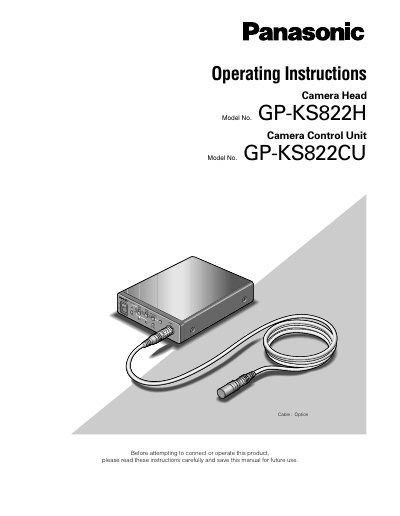
This manual provides operating instructions for the Panasonic GP-KS822H Camera Head and GP-KS822CU Camera Control Unit. The system is designed to overcome space limitations in video applications with a compact camera head weighing only 14g. Key features include a 1/2-inch Interline CCD image sensor, over 480 lines of horizontal resolution, and selectable white balance modes (ATW, AWC, or Manual).
The camera weighs only 14 g (0.035 lbs), measures two-thirds of an inch in diameter, and is less than two inches in length.
The camera requires a minimum scene illumination of 6 lx (0.6 footcandies) at F1.4.
Do not install the camera in a place beyond 10°C to 45 °C (50 °F to 113 °F).