
This manual introduces the use of Panasonic KX-HGW200, including safety precautions, initial use, and usage assistance.
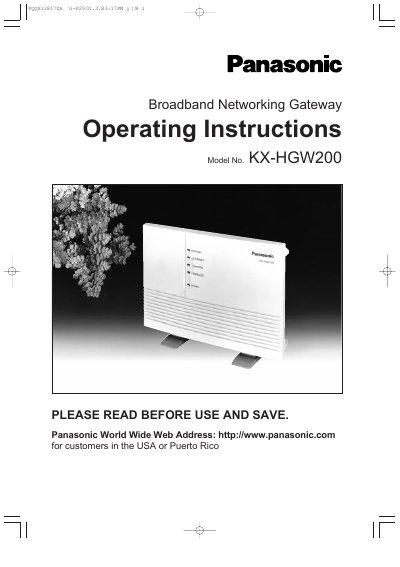
The Panasonic KX-HGW200 is a broadband networking gateway designed for home networks. It supports three types of network interfaces: HomePNA 2.0 (using existing telephone lines), 10 Base-T Ethernet, and wireless connections via optional Panasonic cards. The device supports AppleTalk, TCP/IP, and IPX protocols simultaneously.
| HomePNA 2.0 Communication Speed | max. 10 Mbps |
|---|---|
| Ethernet Communication Speed | max. 10 Mbps |
| Wireless Communication Speed | max. 11 Mbps |
| Operating System (Windows) | Windows 95, 98, 2000, NT |
| Operating System (Macintosh) | Apple system software version 7.5.3 or later |
| RAM Requirement | 16MB or more |
The device supports Microsoft Windows 95, 98, 2000, and NT, as well as Apple system software version 7.5.3 or later.
Yes, the KX-HGW200 can be set up from a Microsoft Windows or Macintosh computer using a web browser.
Yes, it supports wireless connections using optional Panasonic wireless cards, model KX-HGC200.