
Panasonic KXHCM8 Network Camera Operating Instructions

This document is the operating instructions for Panasonic Network Camera, which introduces the installation, use and maintenance of the product.
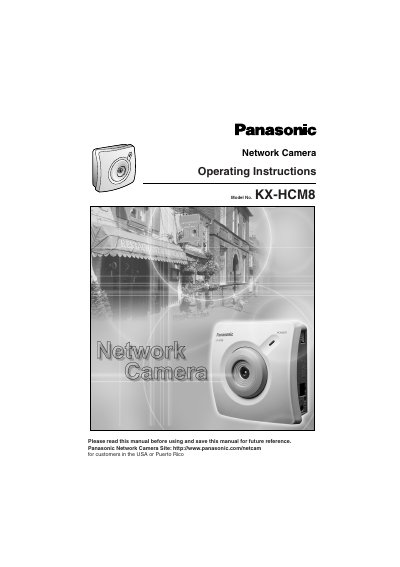

Panasonic KXHCM8 Network Camera Operating Instructions - cover page
Brand
Panasonic
Category
Monitoring Equipment
Document type
User Manual
Language
English
Pages
118
File format
PDF
File size
5.3 MB
Published
08 August, 2012
Updated
30 September, 2023
MD5 checksum
C1C184F989CACFD61F3419C6DBC7F797

About this manual

This manual provides operating instructions for the Panasonic KXHCM8 Network Camera. It details the included accessories, safety precautions, and installation procedures, including how to use the Setup CD-ROM for easy network discovery and configuration. The guide explains how to access the camera via a web browser, configure network parameters, and manage security settings for administrators and general users.

What's inside

  • Product Introduction
  • Network Camera Setup
  • Network Camera Screen and Setup Window
  • Technical Guides
  • Specifications and Troubleshooting

Frequently asked questions

What is the maximum number of users who can view images simultaneously?

The Network Camera allows up to 10 users to view Motion JPEG images at the same time.

How many frames per second does the camera display in High-Speed Motion JPEG mode?

Motion JPEG displays up to 15 frames per second if the network provides enough bandwidth.

How many screws are included in the package for mounting?

The package includes three screws for installation.

Download PDF (5.3 MB)

More Panasonic Manuals


View all Panasonic manuals →