
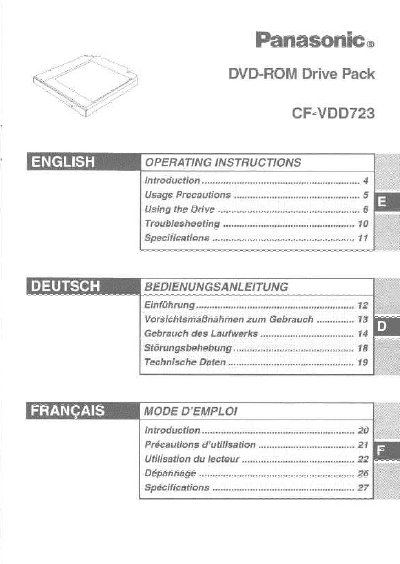
This manual provides operating instructions for the Panasonic CF-VDD723 DVD-ROM Drive Pack, designed for use with the Panasonic CF-72 notebook computer. It details how to install and remove the drive, set up the drive letter, and configure transfer modes for Windows 2000, XP, and 98 operating systems.
| Interface | EIDE (ATAPI) |
|---|---|
| Dimensions | 132 mm x 147.1 mm x 15.3 mm |
| Weight | Approx. 255g |
| Operating Temperature | 5 to 35 °C |
| DVD-ROM Capacity | 4.7 GB (DVD-5), 8.5 GB (DVD-9), 9.4 GB (DVD-10) |
| Max Transfer Rate | 88.64 Mb/s |
In Windows 98, set both [Start drive letter] and [End drive letter] in [Reserved drive letters] to [L:].
The drive motor will automatically shut down to reduce power consumption.