
This manual provides safety instructions, installation, registration, and operation details for the Samsung SHP‑GS100M/CN IoT Hub.
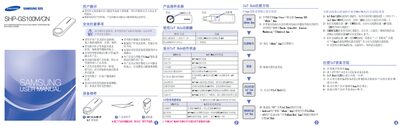
The manual begins with safety precautions and a description of the device components, including the LED display and function keys. It explains how to connect the hub to a Wi‑Fi network and warns against improper handling, such as exposing the unit to heat, moisture, or strong magnetic fields.
Subsequent sections cover registration of IoT devices via the Samsung sHome app, factory initialization, LED status indicators, device deletion, and configuration of prevention and alarm functions. Installation guidelines recommend mounting the hub at least one meter above the floor and using the supplied adapter. This manual is written in Chinese.
| Power Supply | DC 5 V, 2.0 A via USB |
|---|---|
| Frequency | 2.4 GHz / 5.8 GHz |
| Wi‑Fi | 2.4 GHz |
Press and hold the function button on the back of the hub for more than eight seconds; the hub will restart and enter factory initialization mode. Do not unplug the power during this process.