
This document is the user manual of Samsung X128/X328/X428 notebook computer, mainly introduces the basic functions, usage methods, settings and upgrades of notebook computer.
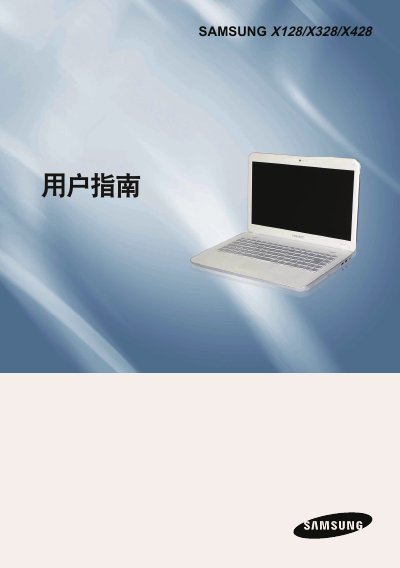
This document is the official user manual for the Samsung X128, X328, and X428 laptop series. It covers essential topics including safety precautions, correct posture for using the computer, and an overview of basic hardware components such as the keyboard, touchpad, and optical drive.
The guide also details how to set up and upgrade the device, including instructions for entering BIOS settings, configuring security passwords, managing battery power, and adjusting LCD brightness. A section on product specifications is included at the end. This manual is written in Chinese.
You must purchase and install a genuine copy of Windows XP, Vista, or 7 before you can use the product.
You must leave at least 15 centimeters of clearance between the computer and the wall to prevent overheating.