
This user manual covers the basic use, setting and upgrade of SAMSUNG R528/R578/R728/R778 notebook, including safety precautions, proper posture for operating a computer, replacing parts and accessories, regulatory compliance statements, WEEE symbol information, China environmental mark product certification information
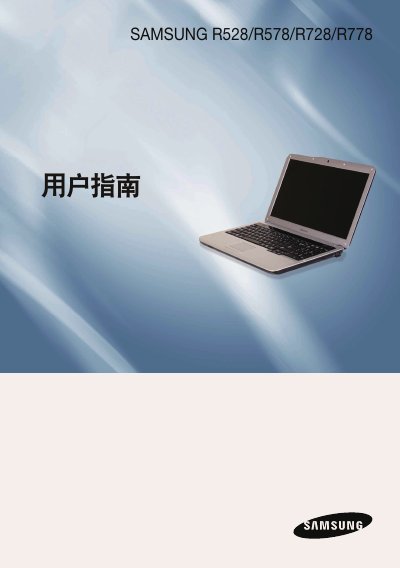
This document is the Chinese User Guide for the Samsung R528, R578, R728, and R778 laptop series. It covers essential topics including safety precautions, correct posture for using the computer, and an overview of basic components and views of the device. This manual is written in Chinese.
| CPU | Intel Celeron/Pentium/Core2 Duo/Core2 Quad |
|---|---|
| Memory Type | DDR2 SODIMM DDR3 SODIMM |
| Chipset | Intel GL40/GM45/PM45/PM55/HM55 |
| Hard Drive | 9.5mmH SATA HDD |
| Operating Temperature | -5 ~40°C (storage), 10 ~32°C (operation) |
| Input Voltage | 100 - 240VAC |
No, the product does not have Windows installed and users must purchase and install a genuine copy of Windows XP or 7/Vista separately.
The distance between the computer and the wall must not be less than 15 cm to ensure proper ventilation and prevent overheating.
Clean CDs or DVDs by wiping them with a soft cloth from the inside out.