
Samsung R58 Laptop User Manual

This manual contains the basic use methods of the R58 series notebook computer, including safe use, installation, use, setting and other contents. Please read this manual carefully to use the computer better
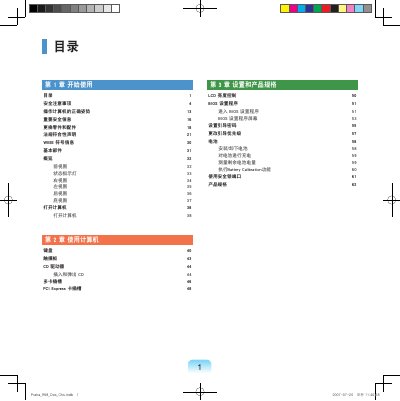

Samsung R58 Laptop User Manual - cover page
Brand
Samsung
Category
Laptops
Document type
User Manual
Language
Chinese
Pages
66
File format
PDF
File size
16.5 MB
Published
29 October, 2012
Updated
30 September, 2023
MD5 checksum
4ACB3B94056C6F3F06F6D3DB97812384

About this manual

This document serves as the user manual for the Samsung R58 laptop. It begins with essential safety precautions regarding power, batteries, and physical handling to prevent injury or damage. The guide details the basic components of the computer, including views of the front, back, and sides, as well as the status indicator lights. This manual is written in Chinese.

What's inside

  • Safety Precautions
  • Basic Components
  • Opening the Computer
  • Using the Computer
  • Keyboard and Touchpad
  • CD Drive
  • BIOS Setup Program
  • Battery
  • Product Specifications

Frequently asked questions

How should the battery be handled before cleaning the computer?

You must remove the battery from the notebook computer before cleaning it.

Download PDF (16.5 MB)

More Samsung Manuals


View all Samsung manuals →