
This is the summary of Samsung NB28/N148/N208/N218 laptop user manual, mainly introduces the appearance, basic functions and usage methods of the product.
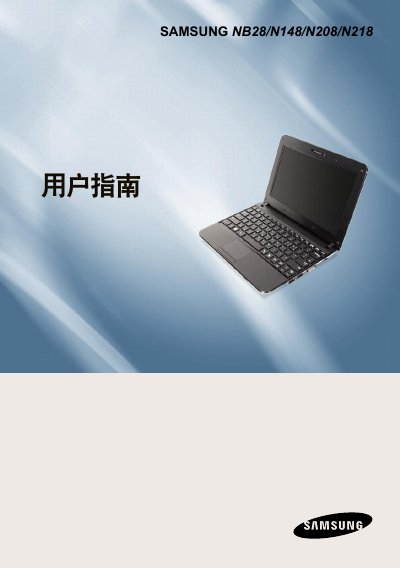
The document serves as a comprehensive user manual for the Samsung NB28/N148/N208/N218 laptop series. It covers essential topics including safety precautions, correct posture for using the computer, and an overview of basic components such as the keyboard, touchpad, and status indicators.
Detailed instructions are provided for setting up the device, managing power settings like battery usage and AC adapter connection, and configuring system settings via the BIOS program. The guide also includes troubleshooting tips, information on upgrading hardware, and a list of product specifications. This manual is written in Chinese.
| CPU | Intel ATOM Processor |
|---|
The computer does not include Windows and requires the user to purchase and install a genuine copy of Windows XP or Windows 7/Vista separately.
The optional AC adapter provides a maximum output power of 40W.
The computer should be operated within a temperature range of 10 to 32 degrees Celsius.