
Samsung X22 Notebook Computer User Guide

This user guide covers the features of the X22 notebook computer, how to use various features, and how to use programs.
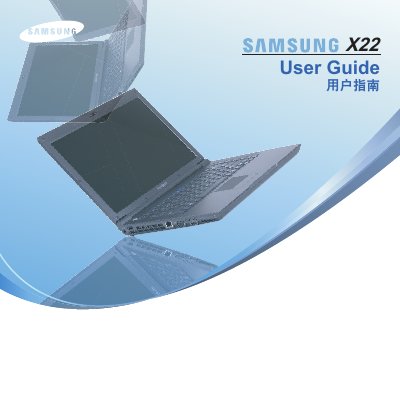

Samsung X22 Notebook Computer User Guide - cover page
Brand
Samsung
Category
Laptops
Document type
User Manual
Language
English
Pages
192
File format
PDF
File size
39.2 MB
Published
29 October, 2012
Updated
30 September, 2023
Model
X22
MD5 checksum
9127725948F2080AC5E07017EAB71C93

About this manual

The Samsung X22 is a notebook computer featuring an Intel Core 2 Duo or Celeron M processor and a 14.1-inch LCD display. This manual covers system requirements, initial setup procedures, and detailed instructions for using various pre-installed applications such as Play AVStation, Movie Station, Music Station, Photo Station, and Play Camera.

What's inside

  • System Requirements
  • Initial Setup
  • Using the Touchpad
  • Play AVStation
  • Movie Station
  • Music Station
  • Photo Station
  • Play Camera
  • Intel Hardware Monitor
  • Samsung Update Plus

Specifications

ProcessorIntel Core 2 Duo, Intel Celeron M
Display Size14.1 inch LCD

Frequently asked questions

What operating systems are supported?

The computer supports Windows Vista, as well as Windows 98, ME, 2000, and 2003 Server.

What is the display size?

The notebook features a 14.1-inch LCD screen.

Download PDF (39.2 MB)

More Samsung Manuals


View all Samsung manuals →