
This document is the user guide for the R508, providing information on how to use and important considerations for the R508 laptop. The document includes preparation before starting to use the laptop, correct posture for operating the computer, and replacing parts and accessories.
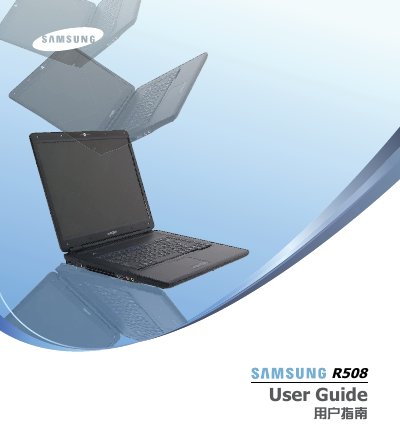
This user guide covers the Samsung R508 laptop, including safety precautions, basic components, and setup procedures. It details how to open the computer, install the battery, connect the AC adapter, and use the keyboard and touchpad. The guide also explains how to adjust LCD brightness and manage power saving modes. This manual is written in Chinese.
The laptop requires a separately purchased and installed copy of Windows XP or Vista to function.
You must wipe the disc with a soft cloth from the center outward.
The maximum data rate is 54Mbps when connected to an IEEE 802.11g device.