
This user manual introduces how to use the notebook computer, and provides basic information about Windows, the Internet, system upgrades, and troubleshooting
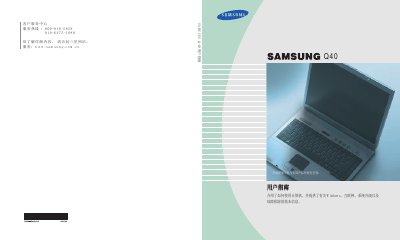
This manual provides instructions on how to operate the Samsung Q40 laptop. It covers basic computer usage, including keyboard shortcuts, status indicators, and volume control. The guide also explains proper posture for using the computer and how to adjust the LCD brightness.
The document details how to use the Windows operating system, manage files, and configure the system for different environments. It includes instructions for using the CD-RW drive, connecting to the internet via wired or wireless networks, and utilizing various software tools like Samsung Update Plus and AVStation. Additionally, it covers system management tasks such as battery usage, security locks, and power settings. This manual is written in Chinese.
The warranty period is 12 months starting from the date of purchase.
You must contact a local authorized service center (ASC) for repair services.
No, attachments such as batteries are not included in the warranty scope.