
This manual introduces how to use R40 notebook computer and provides basic information about Windows, internet, system upgrade and troubleshooting.
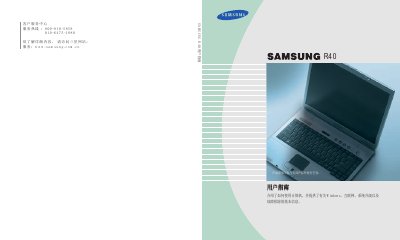
This manual introduces the Samsung HP40 notebook computer and provides basic instructions on how to use the device. It covers essential topics such as keyboard usage, status indicator lights, and adjusting the LCD brightness. The guide also explains how to operate the computer under the Windows operating system, manage files, and utilize system features like the CD-RW drive and multi-card slots. This manual is written in Chinese.
The warranty period lasts 12 months from the date of purchase.
No, you should not disassemble the hard drive; consult a service center if replacement is needed.
No, attachments such as batteries are not covered by the warranty.