
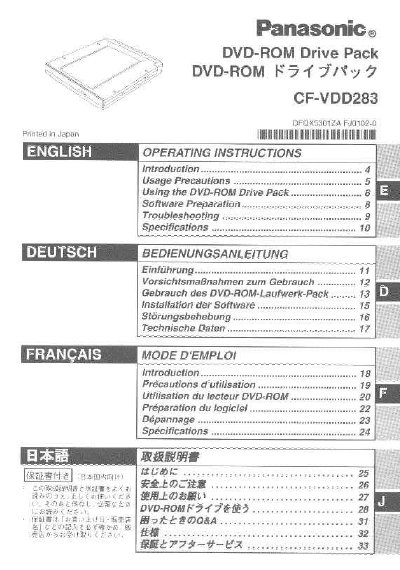
Panasonic CF-VDD283 DVD-ROM Drive Pack Operating Instructions


Panasonic CF-VDD283 DVD-ROM Drive Pack Operating Instructions - cover page
Brand
Samsung
Category
Optical drive
Document type
User Manual
Language
English
Pages
36
File format
PDF
File size
939 KB
Published
08 August, 2012
Updated
22 August, 2012
MD5 checksum
0C35937F1EB7F08CBDCA41A67CB1E649

About this manual

This manual provides operating instructions for the Panasonic CF-VDD283 DVD-ROM Drive Pack, designed for use with the Panasonic CF-27L/CF-28 notebook computer series. It details how to use the drive, prepare necessary software, and perform basic maintenance.

What's inside

  • Introduction
  • Usage Precautions
  • Using the DVD-ROM Drive Pack
  • Software Preparation
  • Troubleshooting
  • Specifications

Specifications

Compatible Computer SeriesPanasonic CF-27L/CF-28
Interface ConnectionMultimedia Pocket
Power Saving Mode90 seconds

Frequently asked questions

What should I do if an AutoPlay CD does not start after resuming from standby?

Reinsert the CD again after a 15-second wait.

Is it safe to open the DVD-ROM drive covers?

No, do not open covers or attempt self-repair as it may result in hazardous radiation exposure.

Can I use the drive to play DVD-Video files on a CF-27 model?

Yes, but a PC Card is required to play DVD-Video or MPEG2 files.

Download PDF (939 KB)

More Samsung Manuals


View all Samsung manuals →