
This document describes the controls, installation, and connections of the S50-Mx series sensor. It includes information about the functions of the output LED indicator, stability LED indicator, power on LED indicator, and sensitivity adjustment. The document also provides detailed instructions for installing and connecting the sensor.
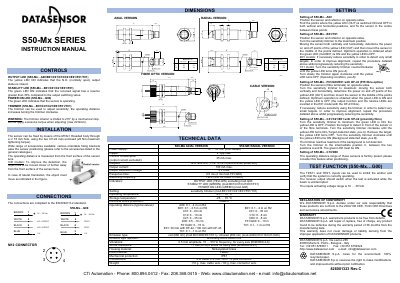
This document provides instructions for the Datasensor S50-Mx and S50-Px series photoelectric sensors. It details the functions of the output LEDs, stability indicators, and power-on status lights for various models. The manual explains how to install the sensors using the M18x1 threaded body or housing holes and describes the available accessories for positioning.
| Power supply | 10 ... 30 Vdc |
|---|---|
| Current consumption | 35 mA max. |
| Output current | 100 mA max. |
| Response time | 0.5 ms |
| Switching frequency | 1 kHz |
| Operating temperature | -25 ... 55 °C |
| Mechanical protection | IP67 |
| Weight | 110 g. max. cable vers. |
The yellow LED ON indicates that the N.O. (normally open) output status is closed.
The sensor can be fixed by means of the M18x1 threaded body through a ∅ 18 mm hole.
The warranty period is 36 months from the manufacturing date.