
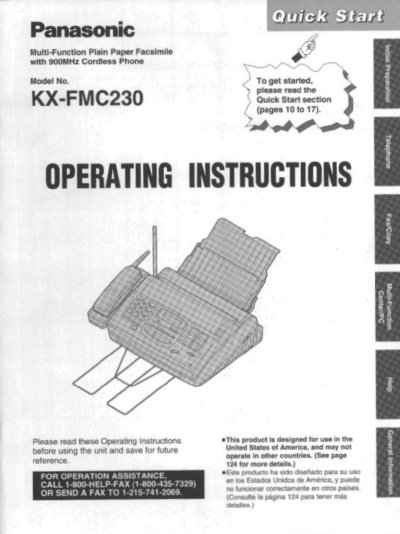
This manual provides operating instructions for the Panasonic KX-FMC230 Multi-Function Plain Paper Facsimile with 900 MHz Cordless Phone. The unit combines telephone, copier, scanner, PC Fax, printer, and TAI interface functions to provide efficient office or home use.
The document covers installation and connections, including setting up the main unit and cordless handset. It details how to make copies, transmit and receive documents, manage voice calls using the handset or speakerphone, store telephone numbers, and utilize features like automatic dialing and delayed transmission.
| Product Type | Multi-Function Plain Paper Facsimile with 900MHz Cordless Phone |
|---|---|
| Included Functions | Telephone, copier, scanner, PC Fax, printer and TAI interface functions |
Install the battery and charge it for about 15 hours.
You must charge the battery for about 15 hours before using the handset.
The starter film is 20 meters or 65 feet long.