
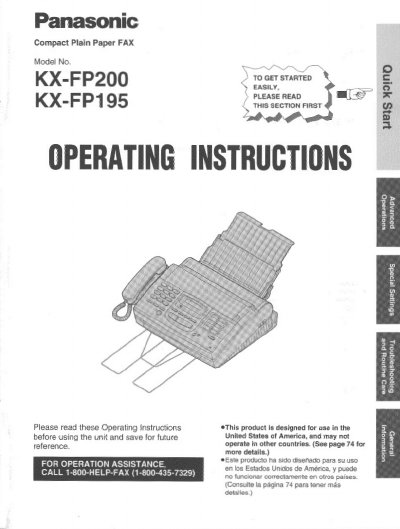
Panasonic KX-FP200/KX-FP195 Compact Plain Paper FAX Operating Instructions


Panasonic KX-FP200/KX-FP195 Compact Plain Paper FAX Operating Instructions - cover page
Brand
Panasonic
Category
Fax machine
Document type
User Manual
Language
English
Pages
80
File format
PDF
File size
2.4 MB
Published
07 August, 2012
Updated
17 August, 2012
MD5 checksum
3623A2B23D8A18F1C67B0A61CF0D027B

About this manual

This manual provides operating instructions for the Panasonic KX-FP200 and KX-FP195 compact plain paper facsimile units. The device combines telephone, fax, and copier functions for efficient office or home use. It is designed for use in the United States of America.

What's inside

  • Included accessories
  • Quick Start
  • Installation
  • Initial preparation
  • Basic operations
  • Special receiving modes
  • Telephone
  • Special sending features
  • Troubleshooting
  • Routine care

Specifications

Product TypeCompact Plain Paper FAX

Frequently asked questions

What is the telephone protection act requirement for the first message page?

The first message page must clearly state the date and time of transmission, identification of the sender, and the telephone number.

Where can I find the serial number?

The serial number is located on the bottom of the unit.

What should I do if the unit does not work normally?

Do not disassemble the unit; take it to an authorized service center.

Download PDF (2.4 MB)

More Panasonic Manuals


View all Panasonic manuals →