
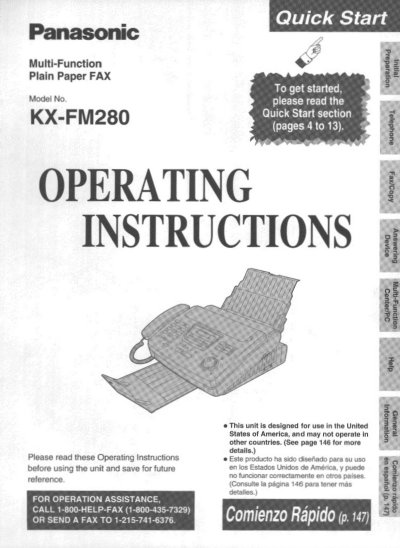
This document is the operating manual for the Panasonic KX-FM280 Multi-Function Plain Paper FAX. It serves as a guide for users to set up and operate the device in the United States of America.
The manual provides step-by-step instructions for initial installation, including installing the film cartridge and paper stacker. It also details how to connect power and telephone lines, make voice calls, answer incoming calls, send faxes, and receive documents.
| Product Type | Multi-Function Plain Paper FAX |
|---|---|
| Region of Use | United States of America |
The Telephone Protection Act requires the date and time, identification of the sender, and the telephone number.
This product combines the facsimile, telephone, telephone answering device, copier, scanner, PC Fax and printer features.
The first message page must clearly state the date and time of transmission, identification of the sender, and the telephone number.