
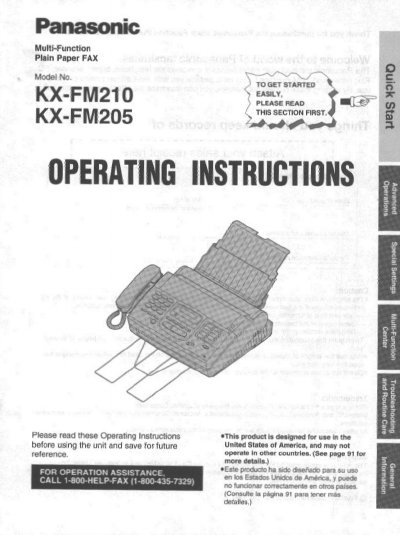
This manual provides operating instructions for the Panasonic KX-FM210 and KX-FM205 Multi-Function Plain Paper Facsimile. The device combines telephone, copier, scanner, PC Fax, printer, and TAM interface functions to provide efficient office or home use. It is designed for use in the United States of America.
The guide covers installation steps, including installing the diverter and paper, connecting telephone lines and power, and setting up the date, time, and user ID. It details basic operations such as making voice calls, answering calls, making copies, transmitting and receiving documents, and using special receiving modes like EXT.TAM and TEL/FAX. Additionally, it explains how to connect the unit to a computer for PC Faxing and scanning documents.
| Product Type | Multi-Function Plain Paper Facsimile |
|---|---|
| Functions | Telephone, copier, scanner, PC Fax, printer and TAM interface |
| Region | United States of America |
The unit combines the telephone, copier, scanner, PC Fax, printer and TAM interface functions.
This product is designed for use in the United States of America and may not operate in other countries.
The first message page must include the date and time of transmission, identification of the sender, and the telephone number of the sender.