
This document is an operating instruction for a Panasonic fax machine, providing information on how to use the product and important considerations.
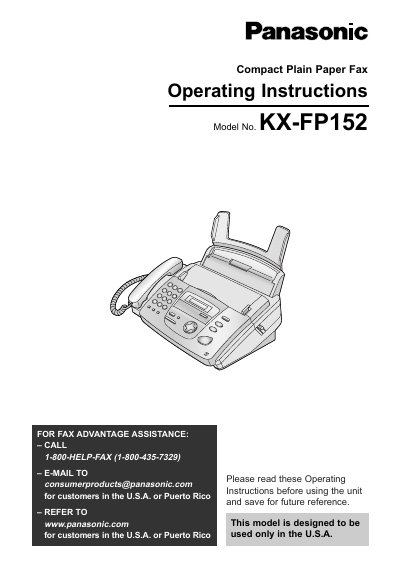
This manual provides operating instructions for the Panasonic KX-FP152 Compact Plain Paper Fax unit. It details initial preparation steps including installing ink film and recording paper, as well as connecting telephone lines. The guide explains how to use the Help button to access functions such as date/time setting, directory management, and error message explanations.
| Recording paper capacity | Up to 30 sheets of printed paper |
|---|---|
| Recommended replacement film length | 50 meters (164') |
The Telephone Protection Act requires the date and time of transmission, identification of the sender, and the telephone number.
Call 1-800-HELP-FAX (1-800-435-7329) or email [email protected].