
This document is an operating instructions manual that provides information on the precautions and steps for using the device. The device is designed for use in the U.S.A. It also includes contact information for customer support and important details for keeping a record of the purchase.
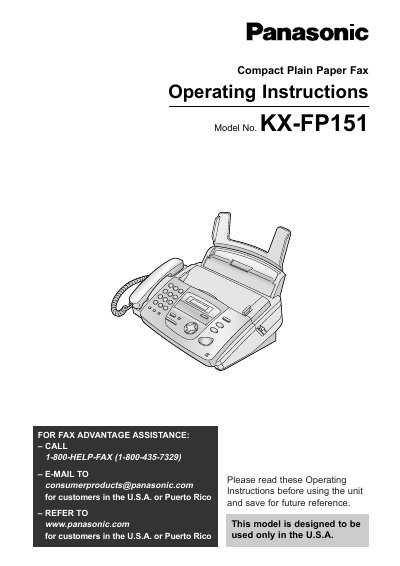
This manual provides operating instructions for the Panasonic KX-FP151 Compact Plain Paper Fax. It is designed to be used only in the U.S.A. and Puerto Rico. The document covers initial preparation, including installing ink film and recording paper, as well as connecting telephone lines.
The guide details how to use various features such as the Help Button for quick assistance, storing names in the directory, using Caller ID services, and making copies. It also explains procedures for sending and receiving faxes in different modes (TEL mode, FAX ONLY mode, TEL/FAX mode) and provides troubleshooting steps for error messages and paper jams.
| Product Type | Compact Plain Paper Fax |
|---|---|
| Paper Capacity | Up to 30 sheets |
The Telephone Protection Act of 1991 requires the date and time of transmission, identification of the sender, and the telephone number.
Customers should call 1-800-HELP-FAX (1-800-435-7329) or email [email protected].