
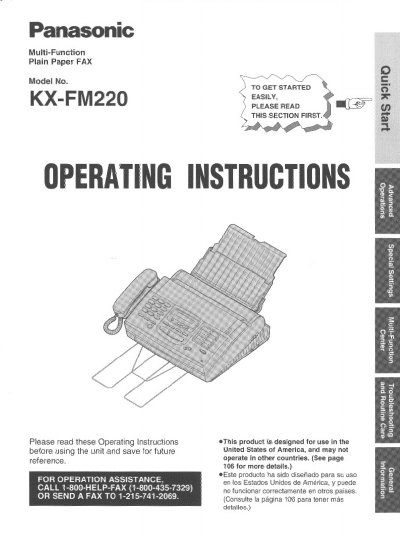
Panasonic KX-FM220 Multi-Function Plain Paper FAX Operating Instructions


Panasonic KX-FM220 Multi-Function Plain Paper FAX Operating Instructions - cover page
Brand
Panasonic
Category
Fax machine
Document type
User Manual
Language
English
Pages
112
File format
PDF
File size
3.1 MB
Published
07 August, 2012
Updated
17 August, 2012
MD5 checksum
EF563AD5F7849648909F707B65B10DB4

About this manual

This manual provides operating instructions for the Panasonic KX-FM220 Multi-Function Plain Paper Facsimile. The unit combines telephone, answering system, copier, scanner, PC Fax, and printer functions for efficient office or home use. It is designed for use in the United States of America.

What's inside

  • Quick Start
  • Installation
  • Location of controls
  • Help FUNCTION
  • Initial preparation
  • Basic operations
  • Special receiving modes
  • Automatic dialing
  • Telephone
  • Troubleshooting

Specifications

Product TypeMulti-Function Plain Paper FAX
Functionstelephone, telephone answering system, copier, scanner, PC Fax and printer

Frequently asked questions

Where can I find the serial number?

The serial number is found on the bottom of the unit.

What information is required on the first page of a transmitted fax?

The first page must include the date and time of transmission, identification of the sender, and the telephone number.

Download PDF (3.1 MB)

More Panasonic Manuals


View all Panasonic manuals →