
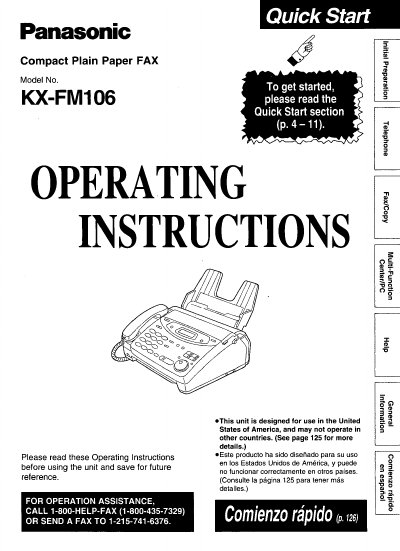
Panasonic KX-FM106 Compact Plain Paper FAX Operating Instructions


Panasonic KX-FM106 Compact Plain Paper FAX Operating Instructions - cover page
Brand
Panasonic
Category
Printer
Document type
User Manual
Language
English
Pages
148
File format
PDF
File size
4.1 MB
Published
07 August, 2012
Updated
17 August, 2012
MD5 checksum
F99024837EDEC276CF981CE7A6142B48

About this manual

This document provides operating instructions for the Panasonic KX-FM106 Compact Plain Paper FAX. The unit combines facsimile, telephone, copier, scanner, PC Fax, and printer features to provide efficient office or home use.

The manual covers essential topics including installation steps such as removing shipping tape and inserting paper trays, connecting handset cords and telephone lines, making voice calls, sending and receiving faxes, and utilizing specific functions like the IQ-FAX service.

What's inside

  • Quick Start
  • Important Safety Instructions
  • Installation
  • Connections
  • Voice Calls
  • Faxes - Sending/Receiving
  • Telephone Protection Act
  • Troubleshooting

Frequently asked questions

What is the power requirement for this unit?

The unit requires a 120 V, 60 Hz power source.

Where can I find the serial number?

The serial number is found on the rear of the unit.

Download PDF (4.1 MB)

More Panasonic Manuals


View all Panasonic manuals →