
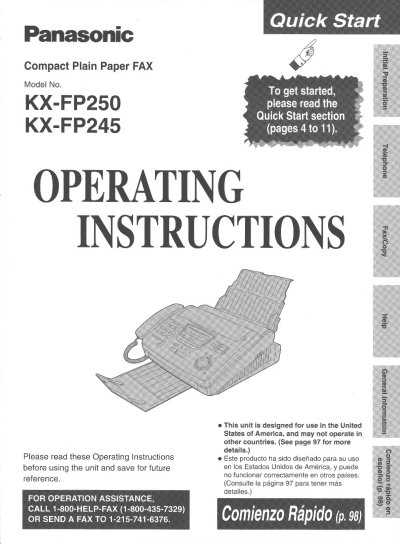
Panasonic KX-FP250/KX-FP245 Compact Plain Paper FAX Operating Instructions


Panasonic KX-FP250/KX-FP245 Compact Plain Paper FAX Operating Instructions - cover page
Brand
Panasonic
Category
Fax machine
Document type
User Manual
Language
English
Pages
112
File format
PDF
File size
3.2 MB
Published
07 August, 2012
Updated
17 August, 2012
MD5 checksum
26A209B9A24A119C1226C852B4FE89D3

About this manual

This manual provides operating instructions for the Panasonic KX-FP250 and KX-FP245 compact plain paper facsimile units. It guides users through initial setup, including removing shipping tape, installing the film cartridge, loading recording paper, and connecting telephone lines and power cords.

What's inside

  • Quick Start
  • Installation
  • Connections
  • Voice Call Making/Answering
  • Fax Transmission
  • Reception Features
  • Advanced Settings

Frequently asked questions

What is the telephone protection requirement for fax messages?

The Telephone Protection Act of 1991 requires the date, time, sender identification, and telephone number to be clearly stated on the first page.

How do I activate the IQ-FAX function?

You must apply to the Jaxsave service; without it, you cannot use the IQ-FAX function.

What happens if I do not apply for the Jaxsave service?

You will not be able to use the IQ-FAX function.

Download PDF (3.2 MB)

More Panasonic Manuals


View all Panasonic manuals →