
This is an operating instruction that introduces the use of Panasonic KX-FP215
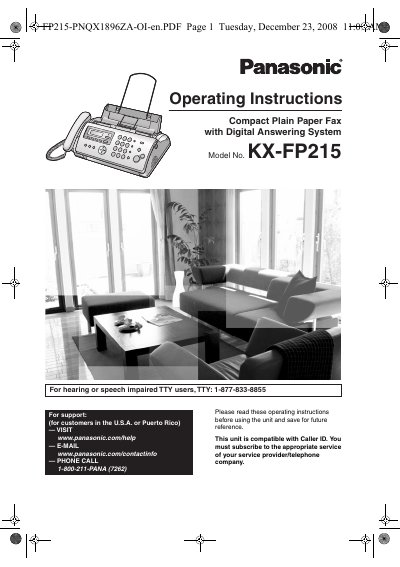
This manual provides operating instructions for the Panasonic KX-FP215 Compact Plain Paper Fax with Digital Answering System. It covers essential setup procedures, including connecting the unit and programming basic features like date, time, and fax numbers. The guide details how to use the fax machine for sending and receiving documents, utilizing the phonebook, and managing Caller ID services.
| Product Type | Compact Plain Paper Fax with Digital Answering System |
|---|---|
| Compatibility | Caller ID |
For customers in the U.S.A. or Puerto Rico, you can visit www.panasonic.com/help, email www.panasonic.com/contactinfo, or call 1-800-211-PANA (7262).
Unplug the unit from power outlets immediately and contact an authorized service center.