
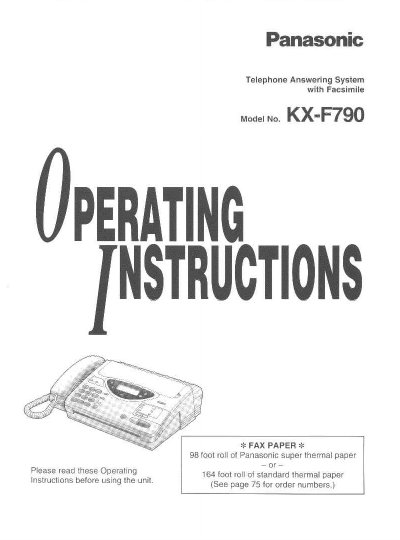
This document provides operating instructions for the Panasonic KX-F790 Telephone Answering System with Facsimile. The unit combines the functions of a facsimile machine, an answering device, and a telephone, allowing users to send and receive documents and voice messages on a single line. It features a desktop design with a liquid crystal display and automatic paper cutter.
| Paper Roll Capacity | 98 foot roll of Panasonic super thermal paper or 164 foot roll of standard thermal paper |
|---|---|
| Document Feeder Capacity | up to 15 sheets |
| Halftone Levels | 64-level |
| Resolution Options | standard/fine/super fine/halftone |
| One-Touch Dialer Capacity | 10 phone numbers |
| Speed Dialer Capacity | 22 stations |
The unit requires a 98 foot roll of Panasonic super thermal paper or a 164 foot roll of standard thermal paper.
The automatic document feeder can hold up to 15 sheets.
The available resolution options are standard, fine, super fine, and halftone.
The unit allows storage of 10 phone numbers for one-touch dialing.