
This manual provides detailed instructions on how to operate the Panasonic KX-FHD301 model of compact plain paper fax.
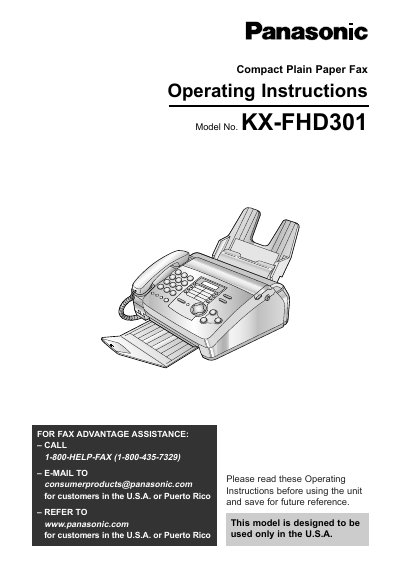
This manual provides operating instructions for the Panasonic KX-FHD301 Compact Plain Paper Fax. It details initial preparation steps, including setting up accessories like the film cartridge and paper stacker, as well as configuring date, time, and fax numbers.
The guide covers essential functions such as making copies, sending and receiving faxes manually or via one-touch dialing, and utilizing Caller ID services. It also includes sections on troubleshooting common issues, replacing parts, and understanding error messages.
The included film cartridge is 10 meters (32 1/2 feet) long.
For best results, use the genuine Panasonic replacement film cartridge Model No. KX-FA65.