
This Quick Reference Guide introduces the basic functions of the KX-FG2451 2.4GHz cordless phone, fax and copier.
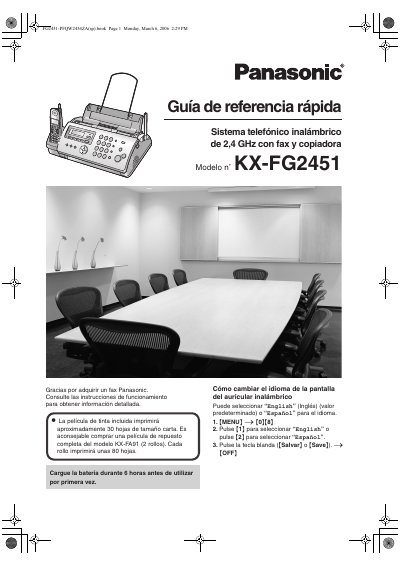
This document serves as a Quick Reference Guide for the Panasonic KX-FG2451, a 2.4 GHz wireless telephone system featuring fax and copier capabilities. It provides essential information for initial setup, including charging the battery and installing the ink film. The guide outlines how to change the display language between English and Spanish and explains basic phone functions like dialing and using the phonebook. This manual is written in Spanish.
| Wireless Frequency | 2.4 GHz |
|---|---|
| Included Ink Film Yield | Approx. 30 sheets |
| Replacement Ink Film Yield | Approx. 80 sheets per roll |
| Paper Capacity | Up to 20 sheets |
| Paper Weight | 60 g/m2 to 90 g/m2 |
| Power Output Range | 0.04 to 0.1 watts |
The battery should be charged for 6 hours before using the unit for the first time.
The included ink film will print approximately 30 sheets of letter size.
Yes, the user can select 'English' or 'Español' for the display language.