
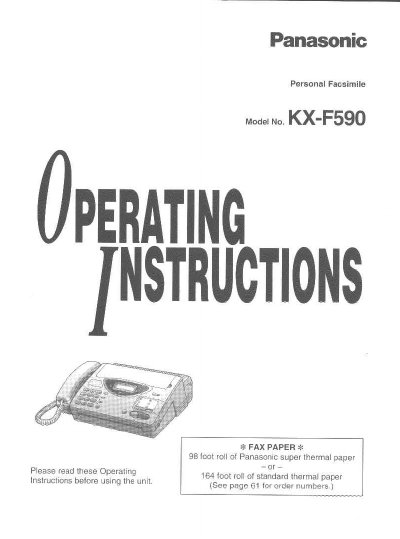
This document provides operating instructions for the Panasonic KX-F590 Personal Facsimile. It covers general setup including installing recording paper and connecting power lines, as well as adjusting volumes and selecting receive modes.
The guide details basic operations such as making voice calls using automatic dialing or speakerphone features, transmitting documents manually or via automatic dialing, and receiving documents in various modes (Manual, Automatic, EXT. TAM, TEL/FAX, and FAX). It also explains how to use the copier function, program user settings like date/time and logos, store phone numbers for one-touch or speed dialing, and utilize advanced features such as polling, delayed transmission, and junk mail prohibition.
| Paper Roll Capacity (Super Thermal) | 38 foot roll |
|---|---|
| Paper Roll Capacity (Standard Thermal) | 164 foot roll |
| Document Feeder Capacity | up to 15 sheets |
| Halftone Levels | 64-level |
The unit requires either a 38 foot roll of Panasonic super thermal paper or a 164 foot roll of standard thermal paper.
The automatic document feeder can handle up to 15 sheets.
The KX-F590 supports 64-level halftones.