
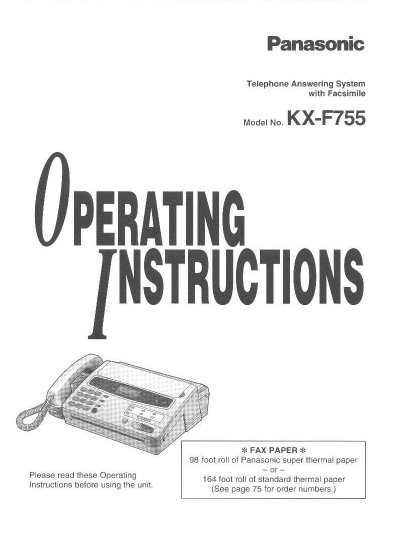
Panasonic KX-F755 Telephone Answering System Operating Instructions


Panasonic KX-F755 Telephone Answering System Operating Instructions - cover page
Brand
Panasonic
Category
Printer
Document type
User Manual
Language
English
Pages
84
File format
PDF
File size
2.3 MB
Published
07 August, 2012
Updated
17 August, 2012
MD5 checksum
84A0E38D2DB62A69B29427F2FCC65E8C

About this manual

This document provides operating instructions for the Panasonic KX-F755 Telephone Answering System with Facsimile. The unit combines functions of a facsimile machine, an answering device, and a telephone on a single line. It features a desktop design with an LCD readout, automatic paper cutter, and silent ring fax recognition.

What's inside

  • Installation and Preparation
  • Adjusting Volumes
  • Recording Greeting Messages
  • Selecting the Receive Mode
  • Making and Answering Voice Calls
  • Transmitting Documents
  • Receiving Documents and/or Voice Calls
  • Operating the Answering Device
  • Basic Settings
  • Troubleshooting and Maintenance

Specifications

Paper Roll Capacity (Super Thermal)98 foot roll
Paper Roll Capacity (Standard Thermal)164 foot roll
Document Feeder Capacityup to 15 sheets
Halftone Levels64-level halftones
One-Touch Dialer Capacity12 phone numbers
Speed Dialer Capacity28-station speed dialer

Frequently asked questions

What type of paper is recommended for the fax function?

The unit recommends using a 98 foot roll of Panasonic super thermal paper or a 164 foot roll of standard thermal paper.

How many sheets can be loaded into the automatic document feeder?

The automatic document feeder can hold up to 15 sheets.

Does this unit support hands-free operation?

Yes, the unit includes a hands-free speakerphone feature.

Download PDF (2.3 MB)

More Panasonic Manuals


View all Panasonic manuals →