
Panasonic KX-FA102 Series LAN Board Installation Guide

KX-FA102/KX-FA102A/KX-FA102E/KX-FA102X LAN board provides network connection function, can be used to connect to LAN, WAN and internet.
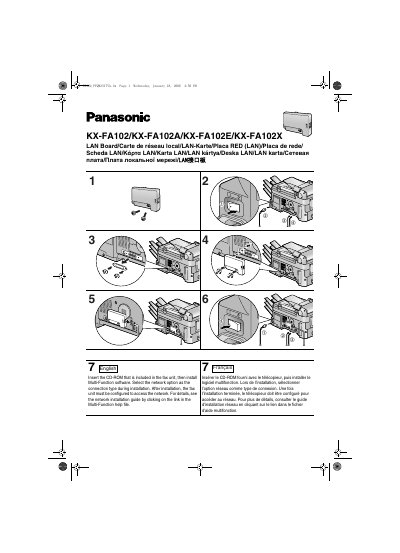

Panasonic KX-FA102 Series LAN Board Installation Guide - cover page
Brand
Panasonic
Category
Printer
Document type
Installation Guide
Language
English
Pages
4
File format
PDF
File size
551 KB
Published
07 August, 2012
Updated
01 October, 2023
MD5 checksum
B224AD8727DE6720F363088A536513CA

About this manual

This document provides installation instructions for the LAN board compatible with the Panasonic KX-FA102/KX-FA102A/KX-FA102E/KX-FA102X fax units. It details the process of installing the included Multi-Function software and configuring the network connection options.

What's inside

  • Software Installation
  • Network Configuration
  • Static Electricity Precautions
  • Cable Requirements

Frequently asked questions

What type of LAN cable is required for this device?

You must use a shielded LAN cable, specifically category 5 straight cable.

How should you handle the fax unit before installing the LAN board?

Touch the bare metal frame of the fax unit to discharge static electricity from your body.

Download PDF (551 KB)

More Panasonic Manuals


View all Panasonic manuals →