
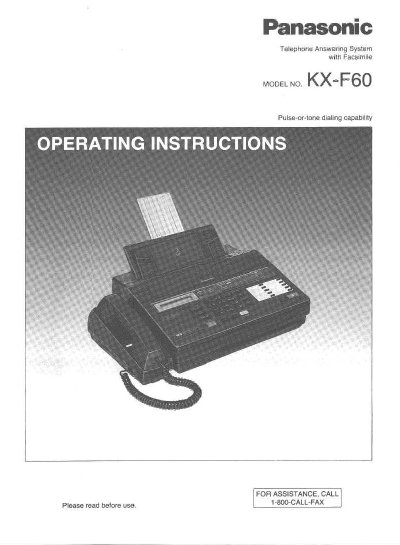
This document provides operating instructions for the Panasonic KX-F60 Telephone Answering System with Facsimile. The unit is a desk-top type device that combines multiple functions including facsimile (FAX), an answering device (TAD), and an integrated telephone system on a single line.
The manual covers installation, initial preparation, and programming of various settings such as the system clock, logo, and phone numbers. It details three receiving modes: TAD/FAX mode for recording voice messages or documents automatically, FAX mode for document-only reception, and TEL (Telephone) mode for standard telephone use with optional fax switching.
| Dialing capability | Pulse-or-tone dialing |
|---|---|
| Transmission time | Approximately 17 seconds per page |
| Document feeder capacity | Up to 10 pages at a time |
| Halftones | 16-level halftones |
| Modem speeds | 9600/7200/4800/2400 bps |
| Ringer Equivalence Number | 0.2B |
Yes, with the automatic facsimile/telephone switching feature, you can switch between functions by pressing the START/COPY button during a conversation.
The unit has an automatic document feeder capable of handling up to 10 pages at a time.