
This document is an operating instruction for the flat-bed plain paper fax and copier model KX-FB421. The product is designed to be used only in the U.S.A. Please read these operating instructions before using the unit and save for future reference.
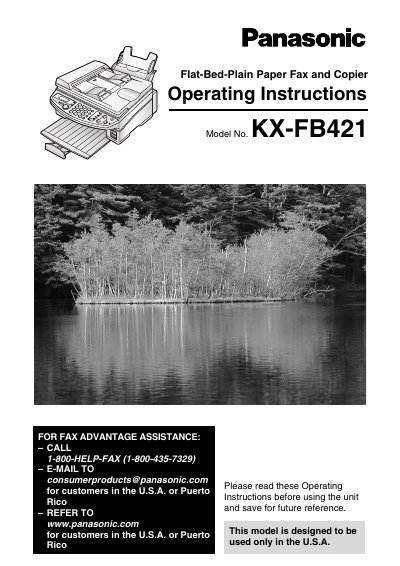
This manual provides operating instructions for the Panasonic KX-FB421 flat-bed plain paper fax and copier, designed for use in the U.S.A. and Puerto Rico. It covers initial preparation, installation, and the location of controls on the unit. The guide details how to connect the document cover, install ink film, and set up the paper stacker and tray.
| Ink film length (included) | 10 meters (32 1/2') |
|---|---|
| Ink film length (recommended replacement) | 120 meters (393') |
| Replacement film size | 216 mm × 120 m (8 1/2" × 393') |
The Telephone Protection Act of 1991 requires the date and time of transmission, identification of the sender, and the telephone number of the sender.
No, the ink film is not reusable and should not be rewound or used again.