
This manual is the CR-3100/3200/3104/3204 cash drawer user manual, which describes the drawer's functions, features and usage methods.
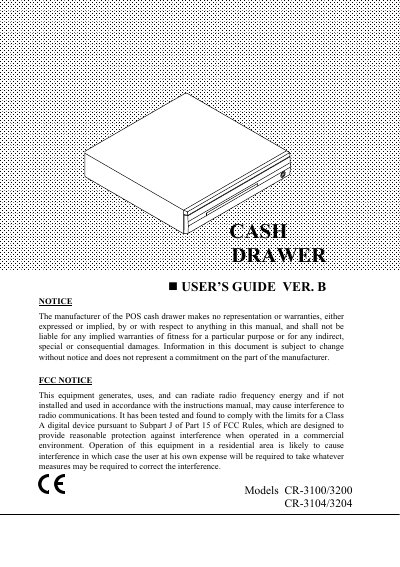
This manual provides instructions for the Posiflex CR-3100/3200 and CR-3104/3204 cash drawers. It details the differences between the models, specifically noting that the CR-3100/3200 series requires a POS printer or system to drive the drawer, while the CR-3104/3204 series features a dedicated RS232 interface for direct computer control.
| Dimensions (CR-3200/3204) | 500 (W) x 420 (D) x 90 (H) mm |
|---|---|
| Dimensions (CR-3100/3104) | 400 (W) x 410 (D) x 85 (H) mm |
| Weight (CR-3200/3204) | 9.0Kgs |
| Weight (CR-3100/3104) | 6.7Kgs |
| Input Voltage | 12 to 24 VDC Max |
| Data Format | Standard RS232C |
The drawer will open whenever the POS application software transmits any kind of data to the computer COM1 (or COM2) port.
The special command is the bell command (07H).