
This file is the FCC certification statement of POSIFLEX machine.
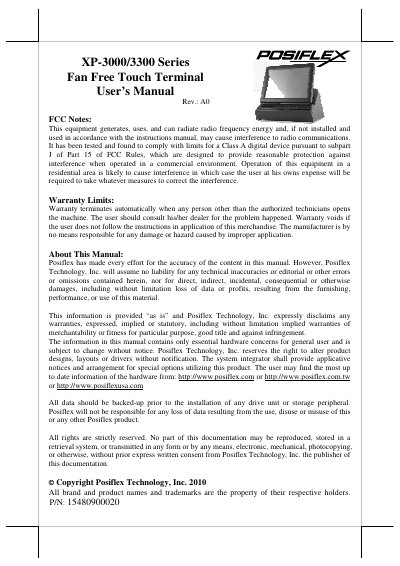
The Posiflex XP-3000/3300 series represents a new generation of Point of Sale (POS) terminals designed as an integrated solution combining a touch screen, thermal printer, and Magnetic Stripe Reader (MSR). These FanFree systems are built for harsh environments and feature Intel Pine View CPU technology with support for Windows XP Pro, WEPOS, POSReady, Win 7, and Linux operating systems. The compact design includes a vertical LCD panel with adjustable tilt angles and is suitable for general retail, hospitality, and restaurant segments.
| LCD Display | Digital 12" or Digital 15" |
|---|---|
| RAM Memory | DDR-II667Mhz, Max 2GB (SO-DIMM X 1) |
| Printer Speed | 3" Thermal Printer (60mm/sec) or (150mm /sec) |
| Power Supply | 80W or 120W Power adaptor |
The system supports Windows XP Pro, WEPOS, POSReady, Win 7, and Linux environments.
Push the power switch again during power on status; wait at least 10 seconds before switching it back on.
For best viewing results, set your display resolution to 1024 x 768.