
Key facts
- Manuals
- 38
- Models
- 2
- Categories
- 4
- Languages
- JA · ZH · EN
- Last added
- 2012-08-06
POSIFLEX models by category
Featured POSIFLEX manuals
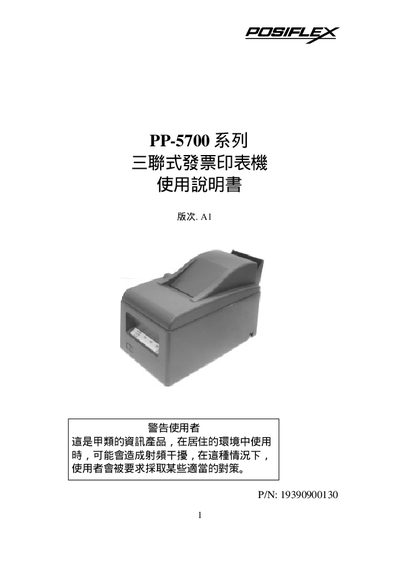
POSIFLEX PP-5700 Series Triple Type Invoice Printer Owner's Manual
The PP-5700 series is a triple‑type invoice printer designed for POS applications. It features high‑speed printing up to about 4.4 lines per second, multiple interfaces (RS‑232 serial and Centronics parallel), and internal memory of 8 KB to buffer roughly 20 tickets. The printer includes separate storage slots for up to 250 blank tickets and printed stubs, and supports Chinese BIG‑5 fonts with 16×9 and 16×16 character sizes.
The manual provides step‑by‑step installation instructions, details on connecting power and data interfaces, paper handling procedures (automatic and manual feeding), self‑test routines, and a troubleshooting guide for common issues such as power‑on failures and print errors. This manual is written in Japanese.
Covers: Product Introduction · Installation Procedure · Interface Options · Connecting to Host · Paper Handling · Self Test
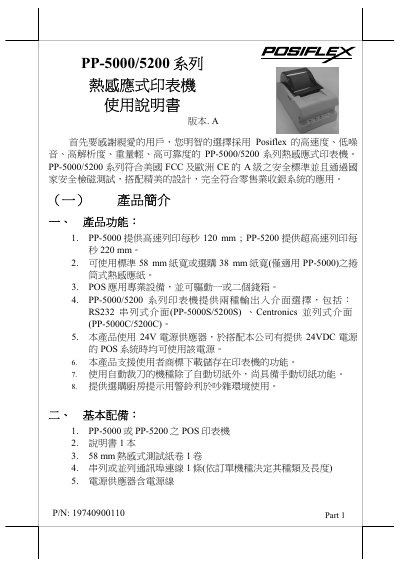
Posiflex PP-5000/5200 Series Thermal Printer User Manual
This manual introduces the Posiflex PP-5000/5200 series thermal printers, highlighting key features such as printing speeds of 120 mm/s (PP‑5000) and 220 mm/s (PP‑5200), optional paper widths of 58 mm or 38 mm, RS232 and Centronics interfaces, and support for up to two cash drawers. It also lists optional accessories like a kitchen alert bell and paper‑width conversion plate.
The guide covers installation steps, power connection, signal wiring, paper loading, self‑test procedures, operating environment requirements, routine maintenance, and simple troubleshooting. Safety warnings and handling precautions are provided to ensure reliable operation in retail POS environments. This manual is written in Chinese.
Covers: Product Overview · Optional Accessories · Installation and Power Connection · Paper Loading · Self‑Test Procedure · Operating Environment
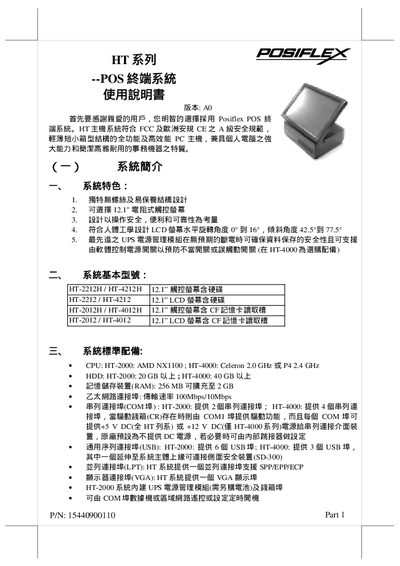
Posiflex HT Series POS Terminal User Manual
The Posiflex HT series is a compact, full‑function POS terminal that meets FCC and CE safety standards. It combines the processing power of a PC with the durability of a traditional cash‑register, offering 12.1" resistive touch LCD, optional UPS power management, and a range of configurable peripherals.
The manual provides step‑by‑step installation instructions, safety guidelines, and detailed information on hardware components such as CPU, storage, memory, networking, and optional accessories like barcode scanners, fingerprint readers, and external printers. This manual is written in Chinese.
Covers: System Overview · Installation Instructions · Technical Handling and Upgrades · Power Supply and UPS Battery · LCD Display Adjustment · Peripheral Connections
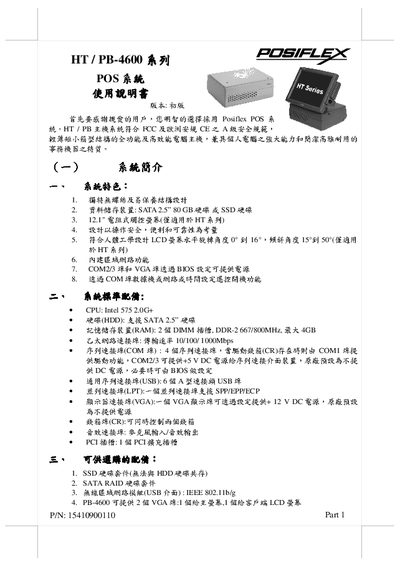
POSIFLEX HT PB-3200 series POS system Manual(1)
This manual introduces the POSIFLEX HT/PB series POS system, highlighting its compact chassis, built‑in Ethernet, multiple serial ports, and optional 12.1" resistive touchscreen for HT models. It lists the standard hardware configuration, including an Intel 575 2.0 GHz CPU, SATA 2.5" hard drive, up to 4 GB DDR‑2 RAM, and various I/O options such as VGA, USB, and COM ports.
The guide covers installation steps, hardware connections, LCD adjustment, optional peripherals (client displays, barcode scanners, printers, cash drawers), power‑up procedures, and routine maintenance like ventilation cleaning. It also explains system recovery, BIOS settings, and software loading for Windows, Linux, or POSReady operating systems. This manual is written in Chinese.
Covers: System Overview · Installation Instructions · Hardware Configuration · Peripheral Options · LCD Adjustment · Power and Shutdown
Latest POSIFLEX manuals
POSIFLEX HT-4600 PB-4600 Series User Manual
This manual introduces the use of Posiflex K500 touch screen.
POSIFLEX XP-3000/3300 Series Fan Free Touch Terminal User Manual
This file is the FCC certification statement of POSIFLEX machine.
POSIFLEX XP-2000 Series Fan Free Touch Terminal User Manual Rev.: A0
This document contains FCC notes and warranty terms for a specific equipment. The equipment generates radio frequency energy and may cause interference to radio communications if not installed and used according to the instructions. It complies with FCC rules for commercial environments but may cause interference in residential areas, requiring the user to take measures to correct it. The warranty terminates if the equipment is opened by unauthorized technicians, and the user should consult the dealer for any issues. Warranty is void if the user fails to follow the instructions and the manufacturer is not responsible for any damage or hazard caused by improper application. The document also states Posiflex's effort for accuracy and disclaimer of liability.
POSIFLEX Jiva LT/TP - 8300 Touch Terminal User Manual
This document is an FCC declaration that describes the wireless frequency energy characteristics, usage instructions, and warranty limitations of the equipment. The equipment is designed for commercial environments but may cause interference in residential areas.
POSIFLEX KS- 6615 7315 6617 7317 Fan Free Touch Terminal w/ Slim or Super Slim Base User Manual
This manual is the instruction manual of Posiflex RS3800 series products.
POSIFLEX KS 6915/6917/7215/7217 Fan Free Touch Terminal User Manual Rev.: Original
This document is an instruction manual for a device, which describes its generation of radio frequency energy and potential interference issues. The device complies with the relevant limits for a Class A digital device according to FCC rules, providing reasonable protection against interference in a commercial environment. However, using the equipment in a residential area may cause interference, and the user will be responsible for correcting it at their own expense. The document also covers warranty limitations, instructions for use, and a disclaimer stating that the manufacturer is not responsible for any damage or hazard caused by improper application.
POSIFLEX KS - 6815 Fan Free Touch Terminal w/ Slim Base User Manual
This document introduces Posiflex device's FCC notes, including device's usage restrictions and warranty limits.
POSIFLEX KS - 6812 Fan Free Touch Terminal User Manual Rev.: Original
This document describes a device that generates, uses, and radiates radio frequency energy. If not installed and used according to the instruction manual, it may interfere with radio communications. The device has been tested and complies with the limits for a Class A digital device according to FCC Rules. It provides reasonable protection against interference when operated in a commercial environment. Operating this equipment in a residential area may cause interference, and the user will be responsible for taking measures to correct the interference at their own expense. The warranty terminates if anyone other than authorized technicians opens the machine. Users should consult their dealer for any problems. The warranty is void if the user does not follow the instructions for using the product. The manufacturer is not responsible for any damage or hazard caused by improper application. About This Manual: Posiflex Technologies, Inc. has made every effort to ensure the accuracy of the content in this manual. However, Posiflex assumes no liability for any technical inaccuracies, editorial errors, or omissions contained herein, nor for any damages, including loss of data or profits, resulting from the furnishing, performance, or use of this material.
POSIFLEX KS - 6810 Fan Free Touch Terminal w/ Mini Slim Base User Manual Rev.: A0
This document is a user manual for posiflex m3000 handheld terminal
POSIFLEX KS 2010 KS 2010A Fan Free Touch Terminal w/ Mini Slim Base User Manual Rev.: A0
This document describes the safety information of this device, including FCC notes and warranty limits.
POSIFLEX M-8115 TM-8115 TM-8315 LCD Touch Monitor User Manual Rev. B0
LM/TM-8115/TM-8315 is a series of industrial grade LCD monitors produced by Posiflex. It is used in POS, factory automation and other fields.
POSIFLEX LM-/TM-7115/7115N LCD Touch Monitor User Manual Rev. B0
The TM-7115/7115N industrial LCD monitor is a part of the Delta industrial monitoring device series. It is a 15-inch multi-functional monitor with dustproof and waterproof features, and tilt adjustment function, which can meet the needs of various industrial and commercial application scenarios.
POSIFLEX CR-2000 SERIES CASH DRAWER USER S MANUAL
This document describes FCC certification information of some Posiflex products, including product models, features, operating frequencies, power, etc
POSIFLEX CR-4000 SERIES CASH DRAWER USER S MANUAL
This manual introduces the features and characteristics of the CR-4000 series cash drawer, including the model number of the cash drawer, the currency storage space of the cash drawer, the interface application of the cash drawer, and the power of the cash drawer.
POSIFLEX CASH DRAWER n USER S GUIDE VER. B
This manual is the CR-3100/3200/3104/3204 cash drawer user manual, which describes the drawer's functions, features and usage methods.
- 1
- 2
Which document do I need?
User Manual
Day-to-day operation, settings and troubleshooting. Start here if the product is already set up.
Installation Guide
Mounting, wiring and first power-up. Read it before the hardware goes in.
Questions answered in POSIFLEX manuals
How can I perform a self‑test on the printer?
Power on the printer, wait at least three seconds, then press the self‑test button while keeping the paper feed engaged; the printer will run a test print.
From: POSIFLEX PP-5700 Series Triple Type Invoice Printer Owner's Manual
How do I load paper into the printer?
Press the lower switch, open the cover, insert the paper roll in the correct direction, close the cover and trim any excess paper with the manual cutter.
From: Posiflex PP-5000/5200 Series Thermal Printer User Manual
What are the recommended operating temperature and humidity?
The printer works best at temperatures between 5 °C and 40 °C and humidity between 20 % and 85 % RH.
From: Posiflex PP-5000/5200 Series Thermal Printer User Manual
How many USB ports does the HT‑2000 model have?
The HT‑2000 provides six USB ports.
What is the recommended operating temperature range for the HT series?
The recommended operating temperature is from 0 °C up to +35 °C.
How many USB ports does the HT/PB system provide?
The system includes six Type‑A USB ports.