
This document contains FCC notes and warranty terms for a specific equipment. The equipment generates radio frequency energy and may cause interference to radio communications if not installed and used according to the instructions. It complies with FCC rules for commercial environments but may cause interference in residential areas, requiring the user to take measures to correct it. The warranty terminates if the equipment is opened by unauthorized technicians, and the user should consult the dealer for any issues. Warranty is void if the user fails to follow the instructions and the manufacturer is not responsible for any damage or hazard caused by improper application. The document also states Posiflex's effort for accuracy and disclaimer of liability.
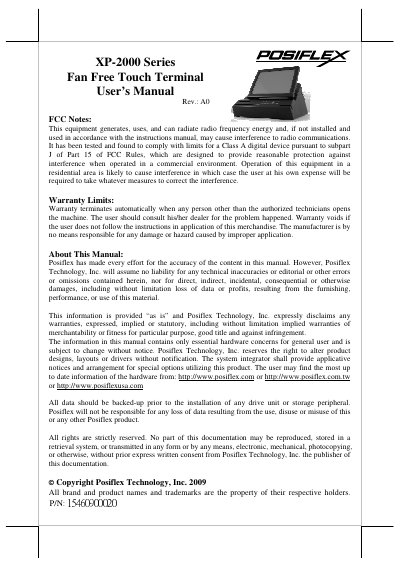
This manual provides instructions for the POSIFLEX XP-2000 Series Fan Free Touch Terminal, an all-in-one integrated system combining a touch screen, thermal printer, and magnetic stripe reader. The device features an Intel Celeron M processor, supports various operating systems including Windows XP Pro, POSReady, WEPOS, Windows CE, and Linux, and is designed for retail, hospitality, and restaurant environments.
| CPU | Intel Celeron M 600Mhz |
|---|---|
| LCD Resolution (12.1") | 1024x768 |
| Memory | DDR-II(SO-DIMM X 1) |
| Ethernet | 10/100 MB |
| Power Supply | 60W |
| Printer Speed | 60mm/sec |
| Paper Width | 58mm |
The system supports Linux, Windows CE, WEPOS, and POSReady environments.
Push the power switch again for 10 seconds to turn off the power.
DDR2 SODIMM memory can be expanded up to 2GB max.