
This manual introduces the features and characteristics of the CR-4000 series cash drawer, including the model number of the cash drawer, the currency storage space of the cash drawer, the interface application of the cash drawer, and the power of the cash drawer.
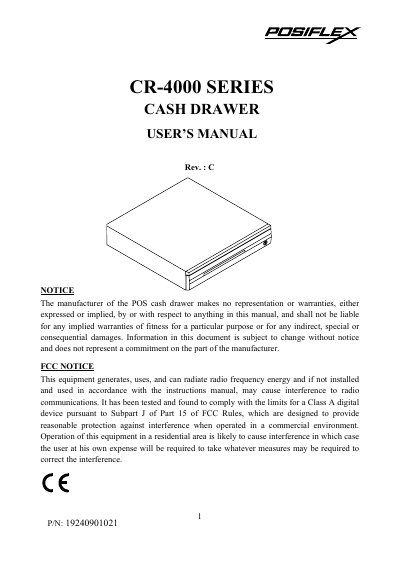
This manual provides instructions for the Posiflex CR-4000 series cash drawer, covering model numbers, carton contents, and interface applications. It details installation procedures for different interface types, including printer drive, RS232 serial, parallel, and USB interfaces, along with specific switch settings and power requirements.
| Dimensions | 428 (W) x 460 (D) x 100 (H) mm |
|---|---|
| Weight | 6.0 Kgs |
| Power Source (Solenoid Drive) | 12 to 24 VDC |
| Max. Current Consumption | 0.75A @ 12 VDC/1.5A @ 24 VDC |
| Input Voltage (AC Adaptor) | 120 VAC ± 10 % / 240 VAC ± 10 % @50 -60 Hz |
| Output Voltage (AC Adaptor) | 12 VAC at 1.5 A |
| Baud rate (Serial) | 9600 |
The default security code is 07H.
Install the USB Cash Drawer Test Program from the Posiflex Product Information CDROM and click the 'KICK' button.