
The document describes the features and characteristics of a product.
This document provides installation guidelines for the RM1 Remote Control Option, which is specifically designed for the SYSTEM 2000 fiber optic illuminator. The package should not be modified or adapted and must only be installed by a qualified technician.
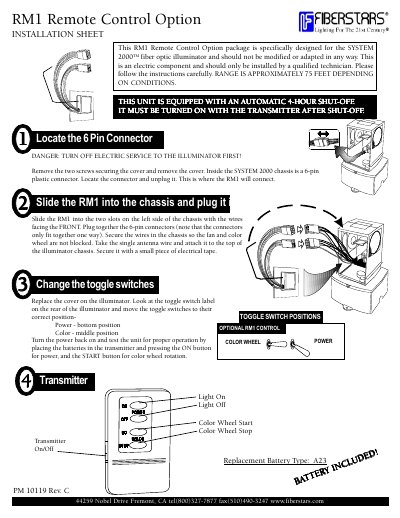
The installation process involves removing the chassis cover to access a 6-pin plastic connector inside. The RM1 unit is slid into slots on the left side of the chassis with wires facing front, connected to the 6-pin connector, and secured. An antenna wire is attached to the top of the chassis. Finally, toggle switches on the rear are adjusted to specific positions for power and color wheel control before testing.
This package is specifically designed for the SYSTEM 2000 fiber optic illuminator and should not be modified or adapted in any way.
The range is approximately 75 feet depending on conditions.
You must turn off electric service to the illuminator first.