
This document describes how to update the firmware of the ADSP-TS101S TigerSHARC® EZ-KIT Lite™ board
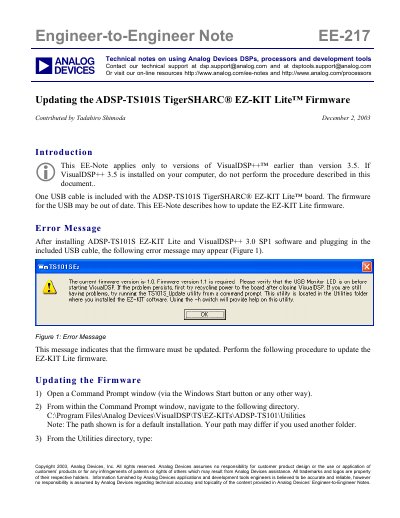
This Engineer-to-Engineer Note (EE-217) provides instructions for updating the firmware on the ADSP-TS101S TigerSHARC EZ-KIT Lite board. The guide applies specifically to users of VisualDSP++ versions earlier than 3.5 who encounter an error message indicating that firmware version 1.1 is required. It details the steps to restore registry settings and flash the new firmware image using the TS101S_Update utility.
Firmware version 1.1 is required if the current version is 1.0.
The TS101S_Update utility located in the Utilities folder is used to update the firmware.
Type TS101S_Update.exe -R to restore the registry settings.