
Analog Devices VisualDSP++ 4.0 Command-Line Installer User Guide

This document describes the use of the VisualDSP++® 4.0 command-line installer.
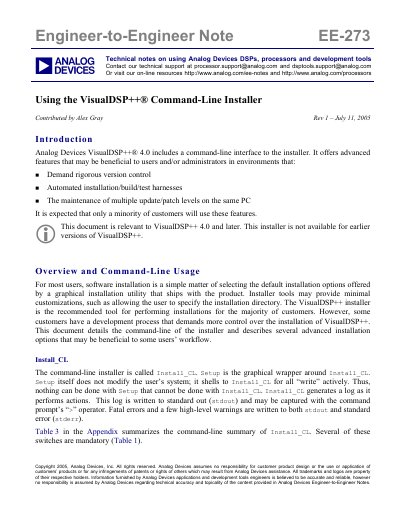

Analog Devices VisualDSP++ 4.0 Command-Line Installer User Guide - cover page
Brand
Analog Devices
Category
Other software
Document type
User Manual
Language
English
Pages
14
File format
PDF
File size
96 KB
Published
03 August, 2012
Updated
30 September, 2023
MD5 checksum
24C61F67D21CFE8E8EE3FDDB9FE20085

About this manual

This document provides technical notes on using the command-line interface for the Analog Devices VisualDSP++ 4.0 installer. It is intended for users and administrators who require advanced features such as rigorous version control or automated build/test harnesses.

The guide details the usage of the Install_CL tool, including mandatory switches like -action, -dir, and -hklm, as well as advanced options for registry scrubbing and INF file management. It includes specific examples for performing new installations, updates, product removals, and cloning existing installations.

What's inside

  • Introduction
  • Overview and Command-Line Usage
  • Mandatory Switches
  • Advanced Switches
  • Product Installation Example
  • Product Update Example
  • Product Removal (Uninstallation)
  • Cloning an Existing Install

Frequently asked questions

What is the name of the command-line installer?

The command-line installer is called Install_CL.

Which versions of VisualDSP++ support this installer?

This document is relevant to VisualDSP++ 4.0 and later versions.

What happens if the same HKEY_LOCAL_MACHINE key is used for multiple installations?

Installations will 'cross-talk' with each other, and an uninstallation may damage other installations.

Download PDF (96 KB)

More Analog Devices Manuals


View all Analog Devices manuals →