
This manual provides detailed instructions on how to use, features, troubleshooting and more for the PLC-SW15 Multimedia Projector.
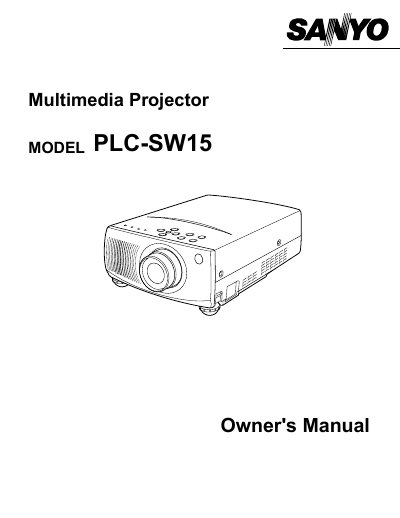
This document is the owner's manual for the Sanyo PLC-SW15 multimedia projector. It provides comprehensive instructions on safety precautions, initial preparation, and connecting the device to video equipment or computers.
The guide details how to operate the remote control and adjust settings via the on-screen menu. It also covers basic functions such as turning the unit on/off, adjusting zoom and focus, sound volume, and picture freeze. Additionally, it includes sections for computer mode adjustments, maintenance tasks like lamp replacement and air filter cleaning, and a troubleshooting guide.
The ventilation slots should never be covered with cloth or other materials to prevent overheating.
You should unplug the projector and use a damp cloth, avoiding liquid or aerosol cleaners.
You must consult your authorized dealer if you are not sure of the type of power supplied.