
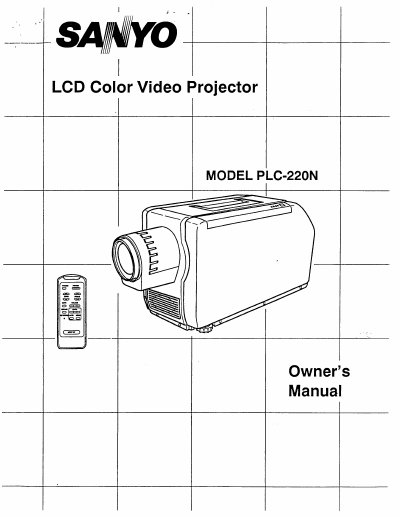
Sanyo PLC-220N LCD Color Video Projector Owner's Manual


Sanyo PLC-220N LCD Color Video Projector Owner's Manual - cover page
Brand
Sanyo
Category
Projector
Document type
User Manual
Language
English
Pages
21
File format
PDF
File size
915 KB
Published
03 August, 2012
Updated
22 August, 2012
MD5 checksum
C35AADC2EC90D1E2344464B5C70D786C

About this manual

The document is an owner's manual for the Sanyo PLC-220N LCD Color Video Projector. It covers safety precautions, a description of the front and back controls, and detailed instructions on operating the device using its buttons and remote control.

The guide also explains how to set up the projector, adjust color and picture settings, connect various video sources such as VCRs, satellite TV tuners, S-VHS players, and video cameras, and perform maintenance tasks like air filter care and lamp replacement.

What's inside

  • Description
  • Operation of Controls
  • Remote Control Operation
  • Setting-Up the Projector
  • Using the Projector
  • Color and Picture Adjustments
  • Connection to VCR, Video Disc and Satellite TV Tuner
  • Air Filter Care and Cleaning
  • Lamp Replacement & Temperature Warning Indicators

Specifications

Product TypeLCD Color Video Projector
Power Cord TypeGrounding-type AC line plug

Frequently asked questions

What indicates the projection lamp is nearing end of service life?

The LAMP REPLACEMENT INDICATOR lights orange when the projection lamp is nearing end of service life.

What indicates the internal projector temperature is too high?

The TEMPERATURE WARNING INDICATOR lights red when the internal projector temperature is too high.

What button resets the picture adjustment to factory settings?

Pressing the AUTO BUTTON resets the device to normal factory set picture adjustment.

Download PDF (915 KB)

More Sanyo Manuals


View all Sanyo manuals →