
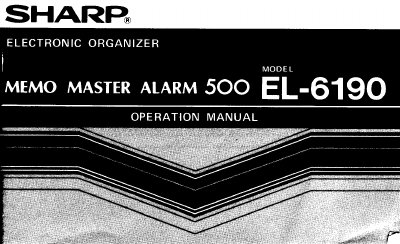
Sharp EL-6190 Memo Master Alarm 500 Operation Manual


Sharp EL-6190 Memo Master Alarm 500 Operation Manual - cover page
Brand
Sharp
Category
Other Electronics
Document type
User Manual
Language
English
Pages
56
File format
PDF
File size
1.2 MB
Published
02 August, 2012
Updated
22 August, 2012
MD5 checksum
2855CA19E45759ED9E04B23B3F9541D2

About this manual

This manual provides instructions for the Sharp EL-6190 Memo Master Alarm 500 electronic organizer. It covers initial setup, including removing the insulation sheet and setting the clock, as well as recovering from abnormal conditions like electrical shocks or internal errors.

The guide details the use of various operation modes, including Clock Mode for daily alarms, Telephone Mode, Schedule Mode, and Calculator Mode. It also explains how to enter characters, manage memory storage, transfer data, and replace batteries.

What's inside

  • Using the EL-6190 for the First Time
  • When Abnormal Conditions Cause a Malfunction
  • Part Names
  • Display Symbols
  • Moving the Cursor
  • Changing Operation Modes
  • Entering Characters
  • Telephone Mode
  • Schedule Mode
  • Memory Storage

Frequently asked questions

What to do if keys do not respond due to electrical noise?

Press the RESET switch on the back of the unit and any key other than [SHIFT] [ENTER].

Where should the EL-6190 not be carried?

Do not carry the EL-6190 in the pocket of your slacks or trousers.

What object should be used to press the switches?

Press the CLOCK SET and RESET switches with a ball-point pen or similar object.

Download PDF (1.2 MB)

More Sharp Manuals


View all Sharp manuals →